
DUE DATE: Friday, 22 October (Term 4, Week 3)
Regardless of the format of teaching, you will still complete the film & self-reflection cycle.
We know from the EEF Report on Online Learning – “Ensuring the elements of effective teaching are present – for example clear explanations, scaffolding, and feedback – is more important than how or when they are provided.”
We suggest that depending on your context at the time you film the following:
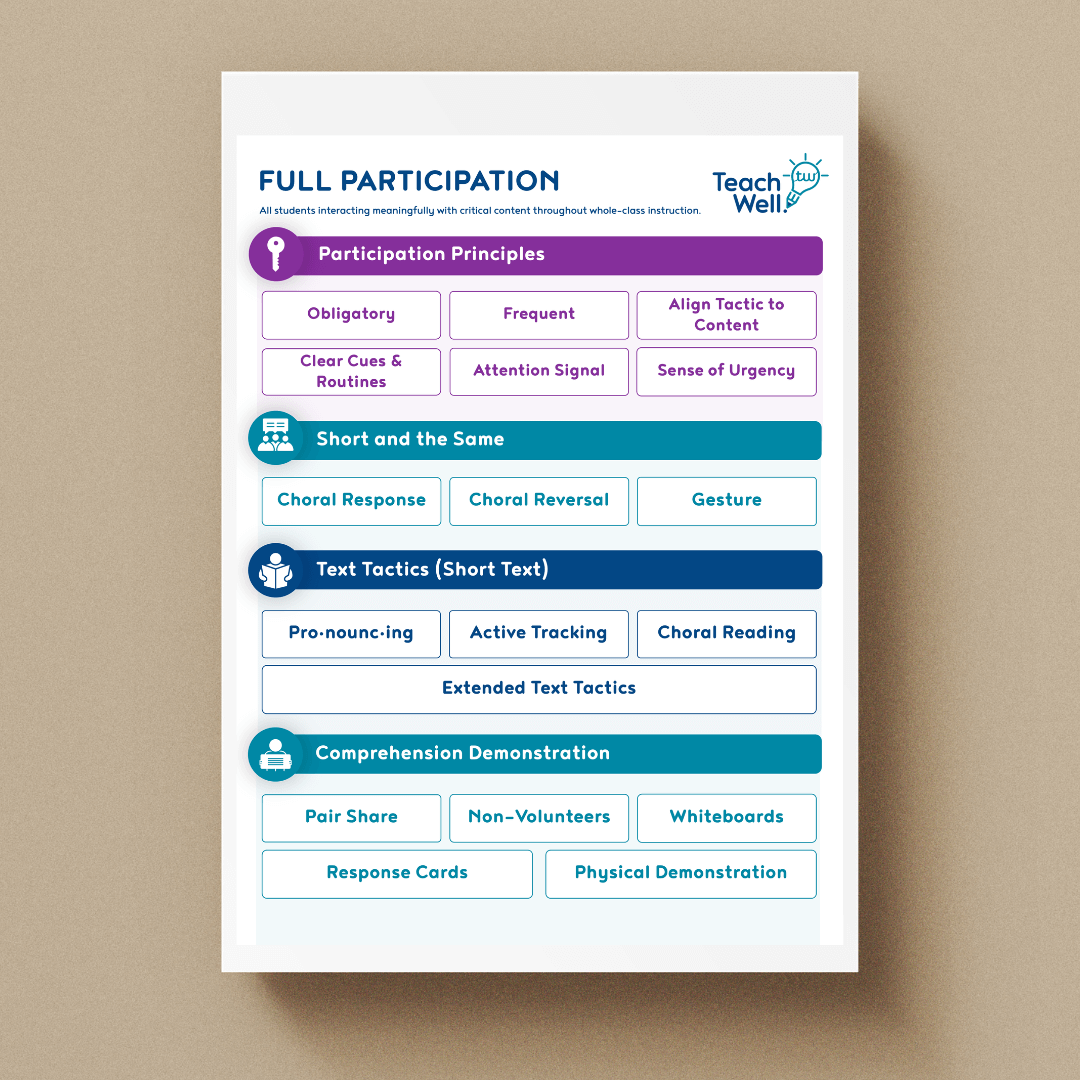
- > In-person teaching – film either a lesson or a weekly/fortnightly/monthly review – focus on full participation, checking for understanding, & concept or skill-focused guiding methods OR retrieval practice with feedback
- > Online synchronously – film either a lesson or a weekly/fortnightly/monthly review – focus on full participation, checking for understanding, & concept or skill-focused guiding methods OR retrieval practice with feedback
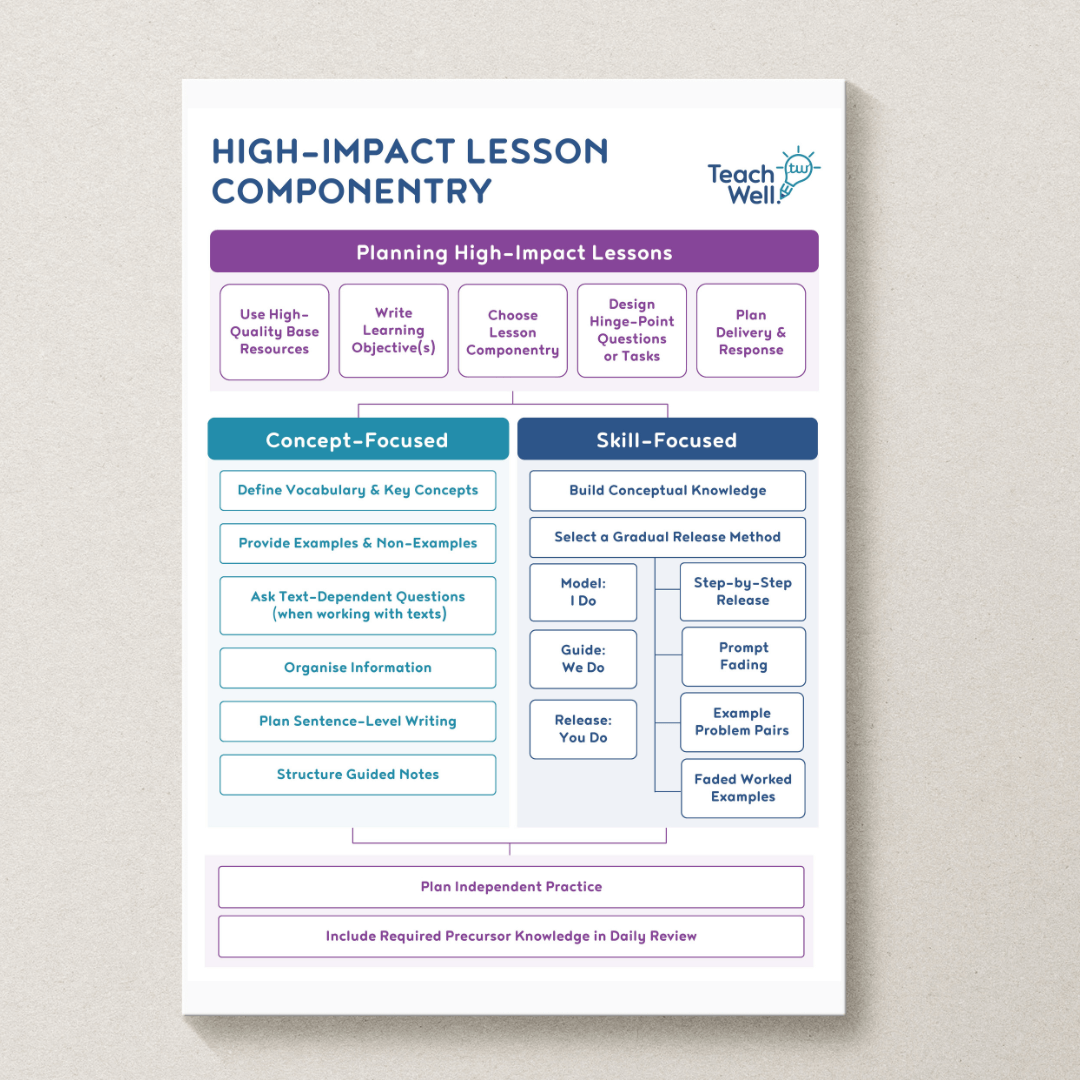
- > Online asynchronous – film a lesson – focus on concept or skill-focused guiding methods, small steps/chunks with moments for students to pause and complete examples/complete guided notes – look at Oak National for examples of this
Step 1: Write a lesson, practice, prepare & film the Guided Practice/We do part of your lesson OR Write a weekly/fortnightly/monthly review
Before the next practical session, you will be required to submit 5-10 minutes of footage of an explicit lesson or a weekly/fortnightly/monthly review.
In relation to your practice, download the video self-reflection form below.
If you are filming a lesson please download the lesson delivery poster document below, read it through and save it in a safe place. This poster provides a summary of the key ideas around lesson delivery that can be used to prompt your reflection on your footage.
[useyourdrive dir=”1p5comEbe0btkJdWskox1eVN1EiqiZX7e” account=”109446365530181798391″ mode=”files” viewrole=”administrator|subscriber” downloadrole=”all” filelayout=”list” showext=”0″ showfolders=”0″ showrefreshbutton=”0″ showbreadcrumb=”0″]Please download the self-reflection document below, read it through and save it in a safe place. The questions, along with the poster above, should guide your reflection on your footage.
[useyourdrive dir=”1jVQrVZ-n3cibkudXlkUdT4cu5PfXQzxC” account=”101605280234139241436″ mode=”files” viewrole=”administrator|subscriber” downloadrole=”all” filelayout=”list” showext=”0″ showfolders=”0″ showrefreshbutton=”0″ showbreadcrumb=”0″]Video requirements
Before you film, ensure that:
- The students included in your footage have permission to be filmed.
- You have set the quality of the device you’ve chosen to film with to 720p (or lower), this will produce a file that is not too large (the larger the file, the longer it will take to upload!). You can adjust film quality in the settings of the device you choose to film with.
- Students are unidentifiable in the footage (please note that not all students need to be in shot. We find it works well if you place the camera somewhere towards the middle/rear of the room with the back of some students heads in shot)
- We can hear you talking and we can hear the students answering, most of the time (an occasional quiet voice/answer is ok).
- The camera is stationary – not hand-held.
- 1x 5-10 mins footage only. If you film an extended section of your lesson, please trim it to the 5-10 mins that you did your self-reflection on and you wish to submit for coaching support. Please note, we do not have the capacity to review any more than 5-10 minutes of video footage.
- The camera is directed at where you primarily stand and at the whiteboard/screen – we don’t need to be able to read everything on the screen (sometimes light on the screen makes it hard to see), but we can see what the students see.
Step 2: Submit your video on Teams.
By submitting your footage, you confirm that it complies with the video requirements above.
For instructions on how to submit your video, please watch the short video below:
Step 3: Submit your self-reflection
Once you’ve filmed 5-10 minutes of your class, please use the self-reflection form you put down your goal on and continue to populate it by reflecting on your footage/answering the questions in the document (while watching your video).
Please submit below your self-reflection document with a goal related to lesson delivery or review.
Step 4: Submit your lesson template and ppt slides
If you filmed a lesson please submit below the skill or concept-focused lesson planning template (hand-written or typed) for your lesson. If you filmed a review submit any planning you did for your review (other than PowerPoints slides which can be submitted in the next box).
Please submit below the PowerPoint slides and any other materials (eg guided notes) you used in your lesson or review:
Support teachers in filming and uploading a sample of lesson delivery
Participants with a teaching load need to film and upload footage of themselves delivering the Guided Practice/We do part of a lesson. This footage will be used for self-reflection and coaching support.
Speak to the HITP in Action Series participants at your school and determine if they need support or resources to help complete this task. We find that often teachers will need support with the IT side of things.
Please check in with your teachers to make sure they understand the video requirements as described in the topic, as well as how to use the device they want to film with (how to get the footage from the camera to the computer so they can upload it to us, etc.).