
DUE DATES: Thursday 20 June (Term 2, Week 10)
Step 1. Prepare and Practice
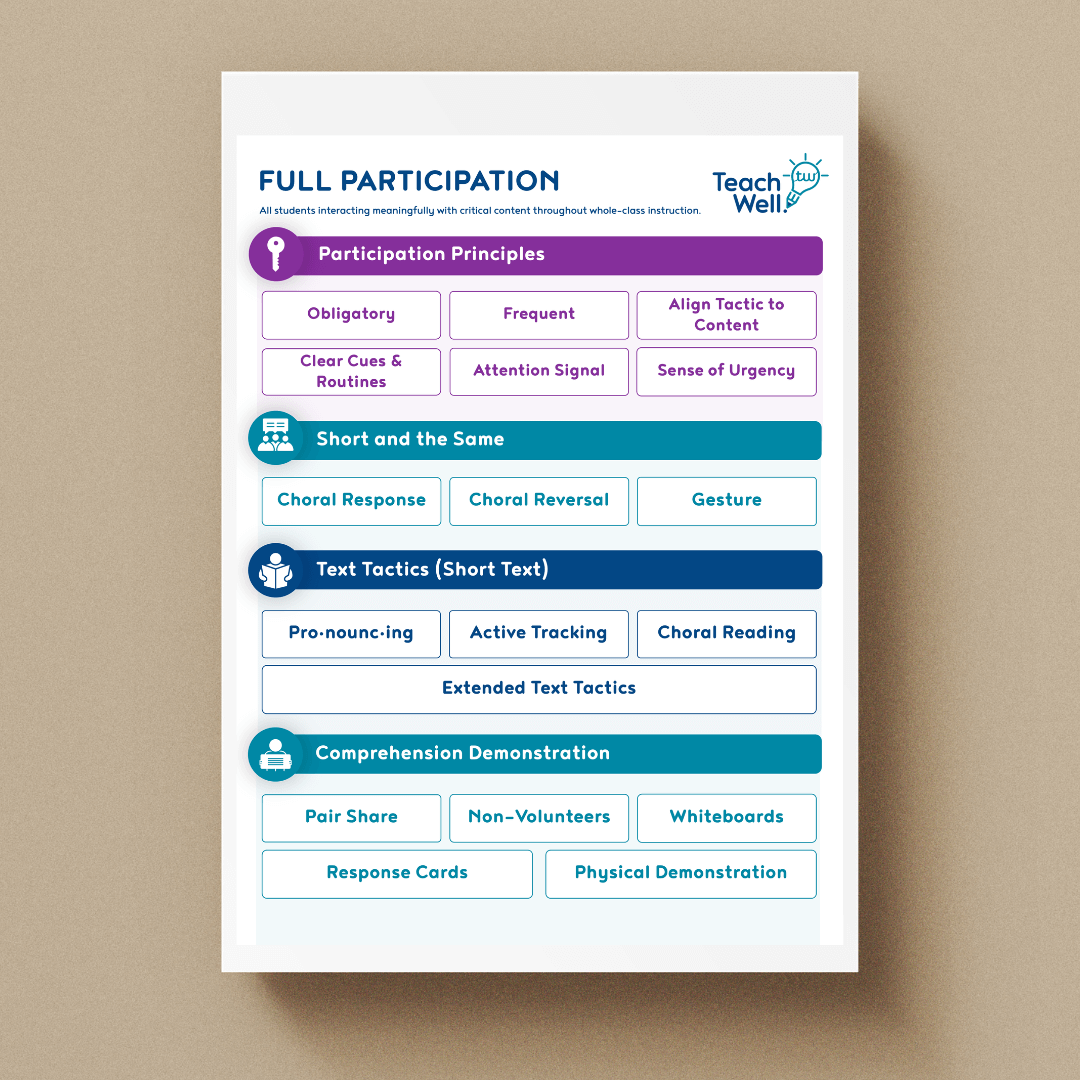
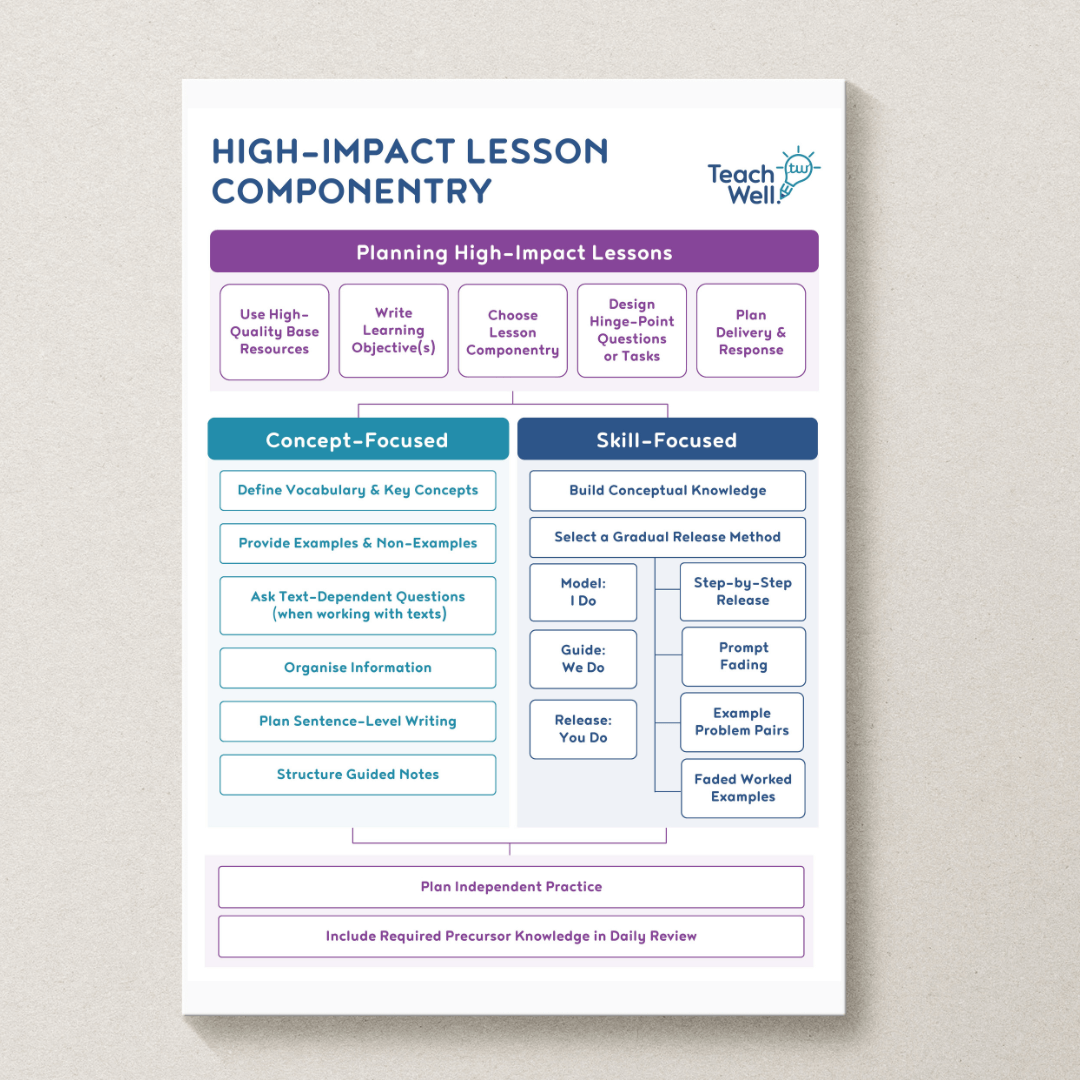
Take time to practise conducting a Mathematics Daily Review with your class using the high-impact instructional practices from the workshop – particularly full participation tactics and checking for understanding. Remember, you and your students will build fluency with Daily Review over time. Efficiency is built through repetition and practice – where you start is not where you will end. Aim to have undertaken 2 – 5 Daily Reviews with your focus class before you film.
Step 2. Film
Film 5-10 minutes of footage of a Mathematics Daily Review, demonstrating your use of full participation tactics and checking for understanding.
Video requirements
Before you film, ensure that:
- You know you can get the footage off the device you are filming on to submit it online.
- You have set the quality of the device you’ve chosen to film with to 720p (or lower) as this will produce a file that is not too large (the larger the file, the longer it will take to upload!). You can adjust film quality in the device settings you choose to film with.
- The camera is directed at where you primarily stand with the whiteboard/screen clearly visible – we don’t need to be able to read everything on the screen (sometimes, light on the screen makes it hard to see), but we do need to see what the students see.
- We can hear you talking, and we can hear the students answering, most of the time (an occasional quiet voice/answer is ok).
- The students included in your footage have permission to be filmed.
- Students are unidentifiable in the footage (please note that not all students need to be in the shot. We find it works well if you place the camera somewhere towards the middle/rear of the room with the back of some students’ heads in the shot)
- 1 x 5-10 mins footage only. If you film an extended section of your lesson, please trim it to the 5-10 minutes that you did your self-reflection on and that you wish to submit for coaching support. Please note we do not have the capacity to review any more than 5-10 minutes of video footage.
Step 3. Submit Footage
By submitting your footage below, you confirm that it complies with the video requirements above. Just a reminder that before your video can be coached, you will need to submit your self-reflection.
Please note, depending on your Internet speed, you may have to leave your computer for a bit to let it upload (a 5-10 minute video can take an hour or even more to upload).
Login Required!
Please log in to access this module.
Please ensure your footage is in a valid video file format (this includes .MP4, .WMV & .MOV).
If you experience any technical difficulties with your video submission, please contact us as soon as possible at [email protected]. We will assist you in uploading your video in an alternative method.
If you filmed with an Apple product, such as an iPhone or an iPad, we recommend an app called ‘Simple Transfer – Photo+Video’ to help you transfer your footage from your device to your computer. From your computer, it should be easy to drag and drop your video file into the dropbox on the LMS.
Simple Transfer provides clear instructions on how to use the app to transfer files from your Apple device to your computer. Please go to the App Store on your device and download ‘Simple Transfer – Photo+Video’ if you have this problem. The link to this app is https://apps.apple.com/au/app/simple-transfer-photo-video/id420821506.
We recommend https://www.veed.io. There's no need to create an account, although we recommend doing this anyway so you can save your progress in case anything goes wrong. Veed also has a sample video you can have a go at before you upload your own video, in case you want to practice. This 3-minute video explains how you can cut a video to make it shorter, or to focus in on particular parts of your video you want to receive feedback on.